

 Neox Studio
Neox Powerful Agent
Slides, spreadsheets, documents and research reports from a single sentence. It writes code too, and it finishes the job.



- A 10-slide deck with charts in minutes
- Excel with real formulas and charts
- Word: revise, add tables, export PDF
- Deep Research with a source for every claim

- Files and lines changed, every turn
- Revert changed files, turn by turn
- Parallel sub-agents
- CLI for scripts and CI
Neox in two minutes
Core capabilities
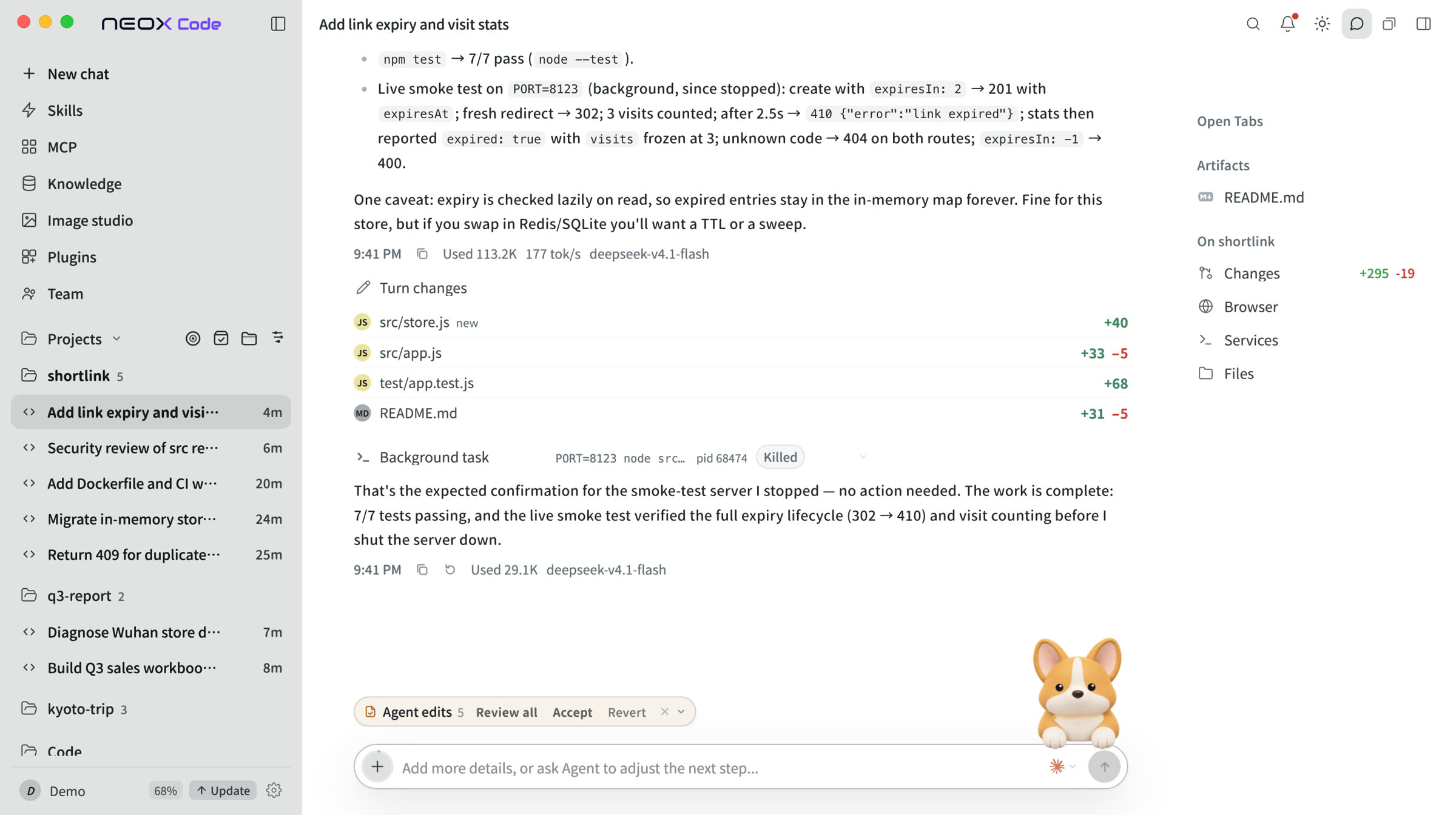
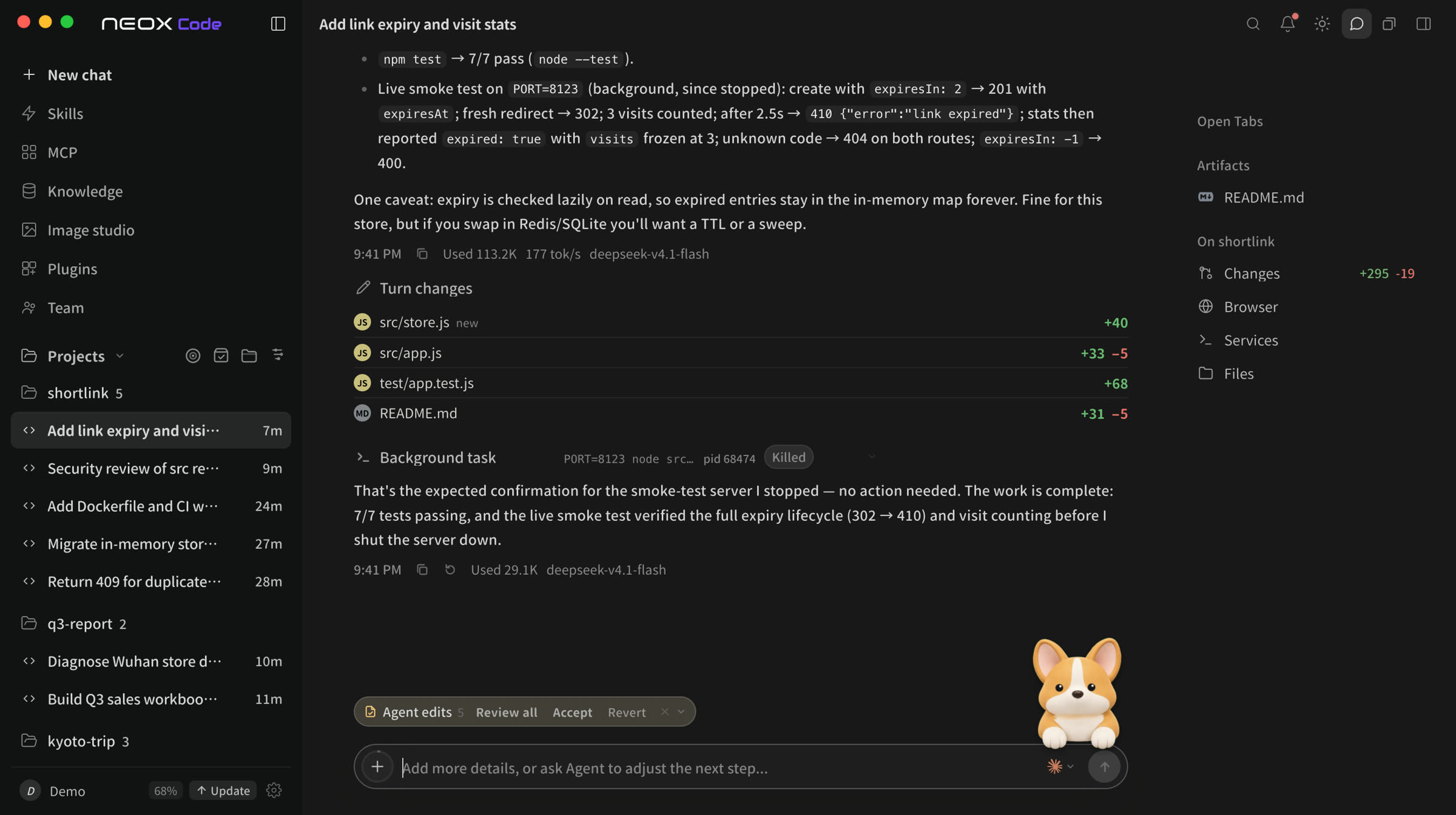
Per-turn change list
Files and line counts listed with each result.
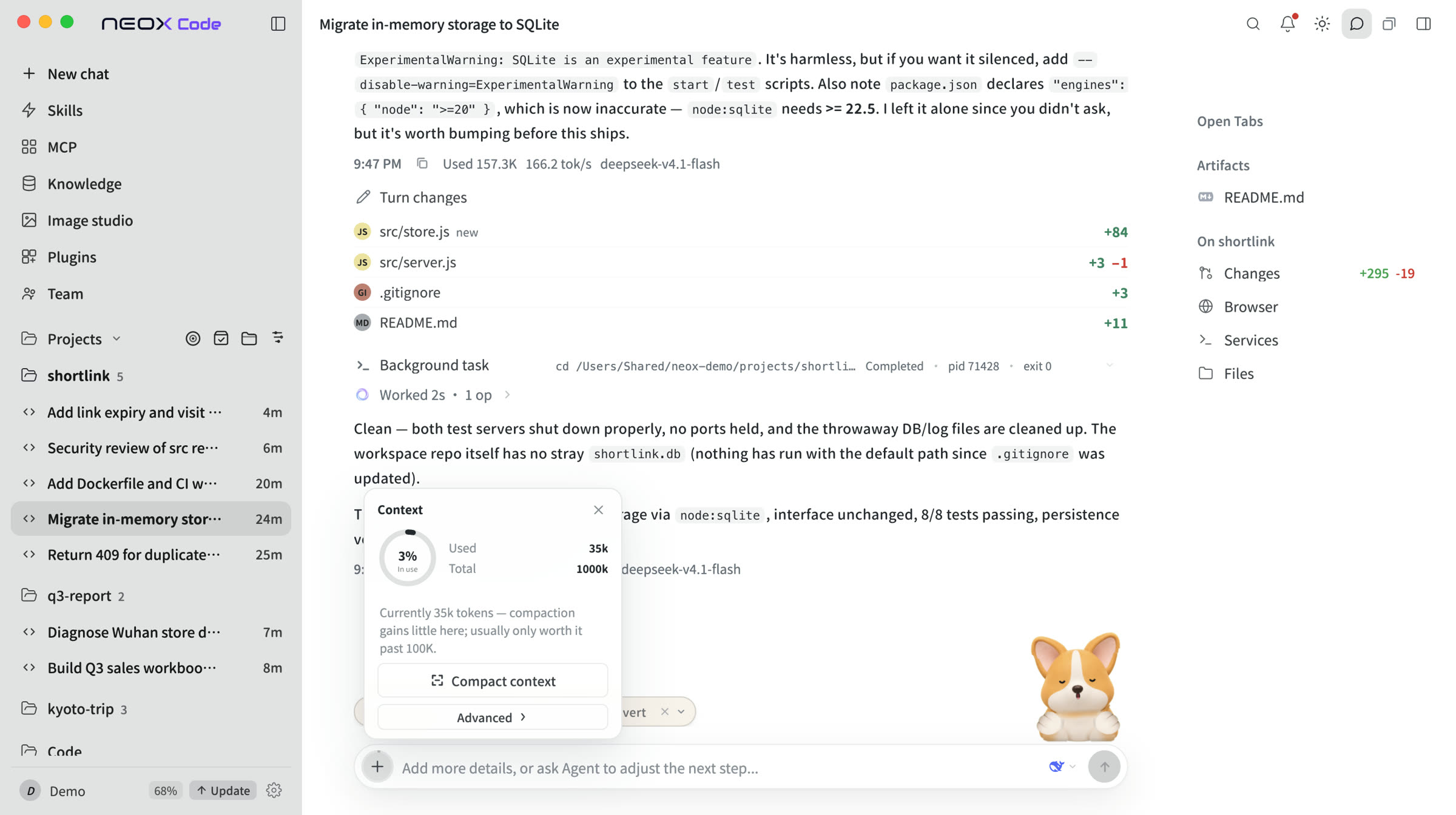
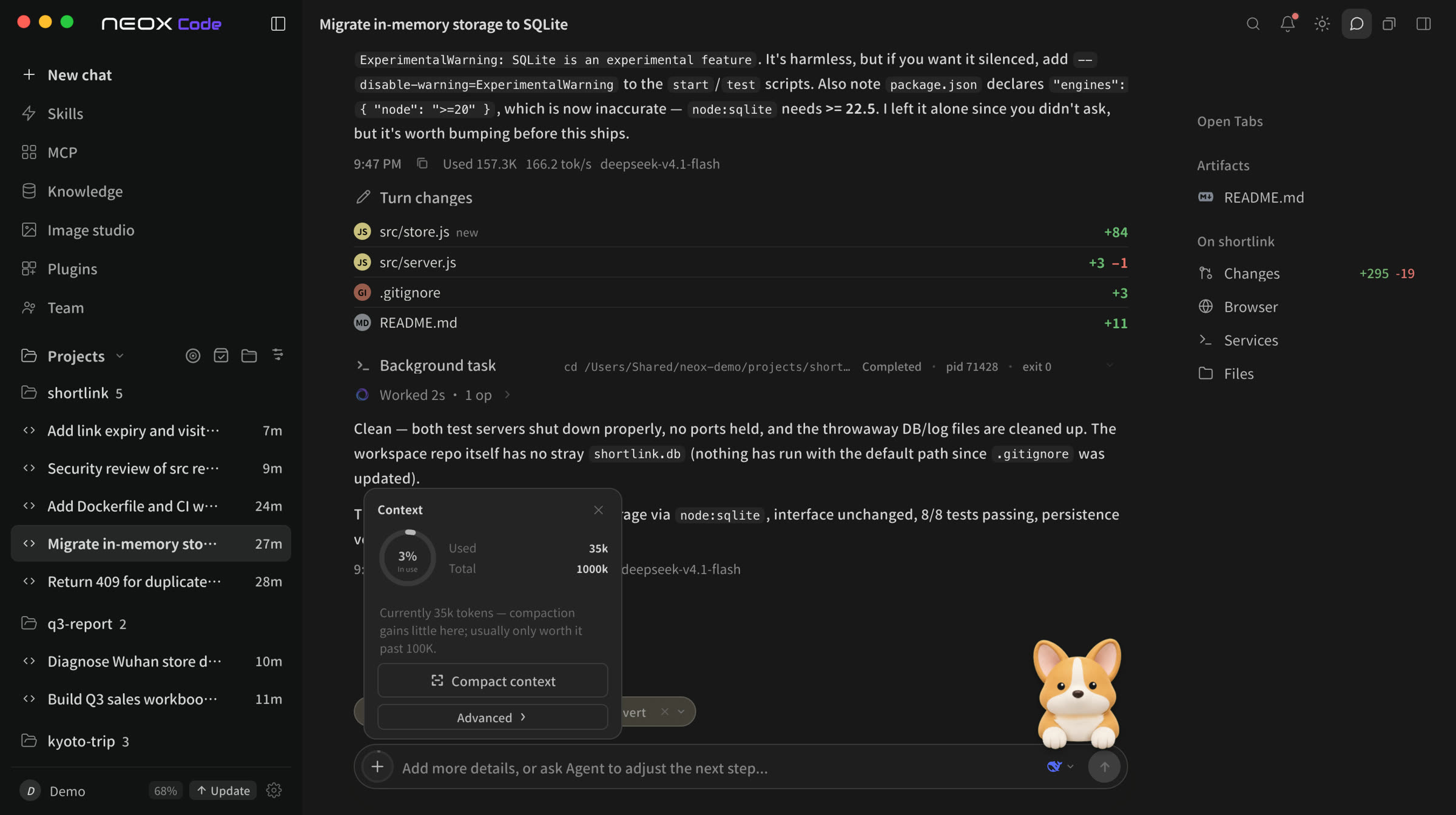
Context usage, always visible
See context usage and compact on demand.
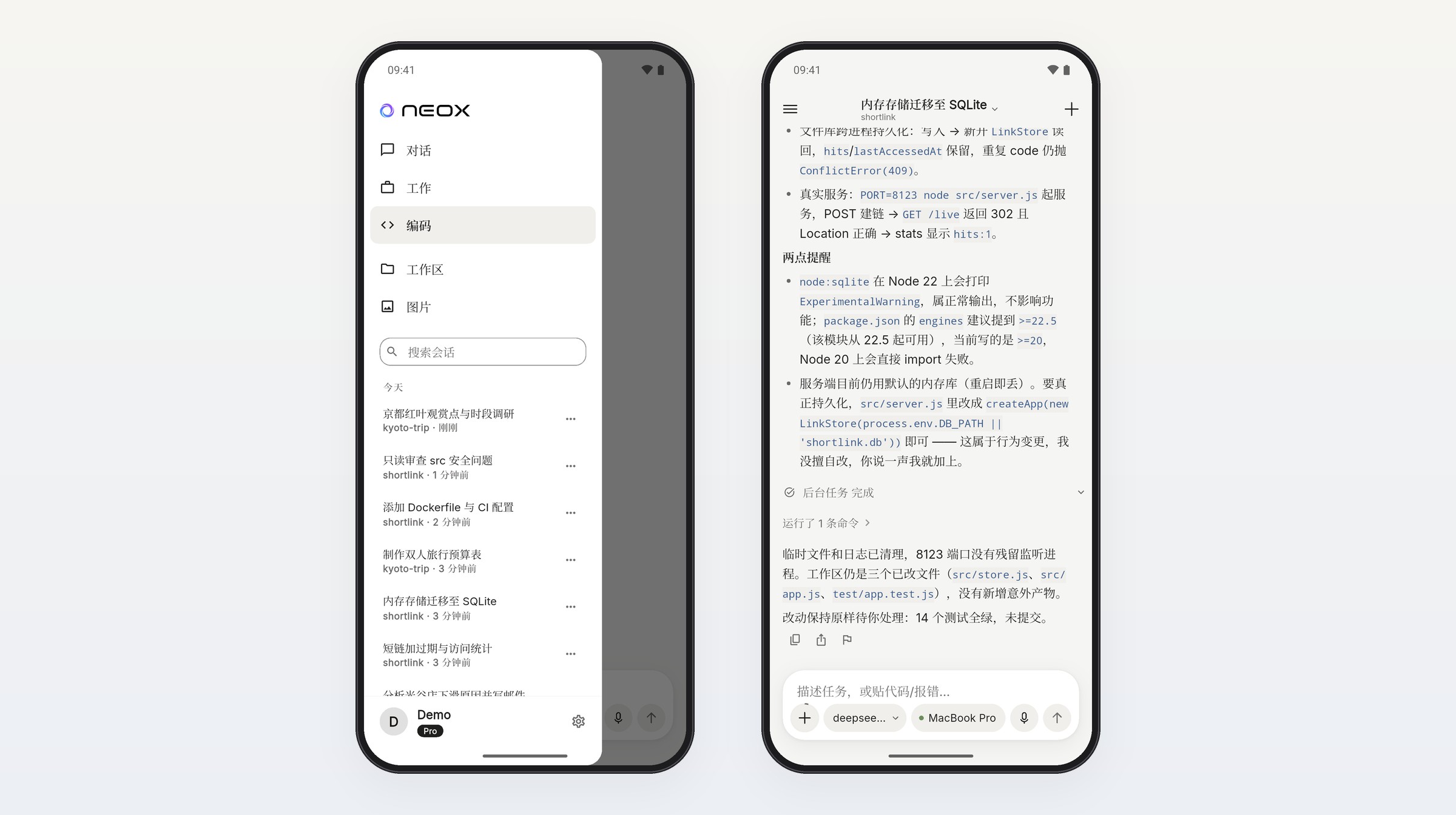
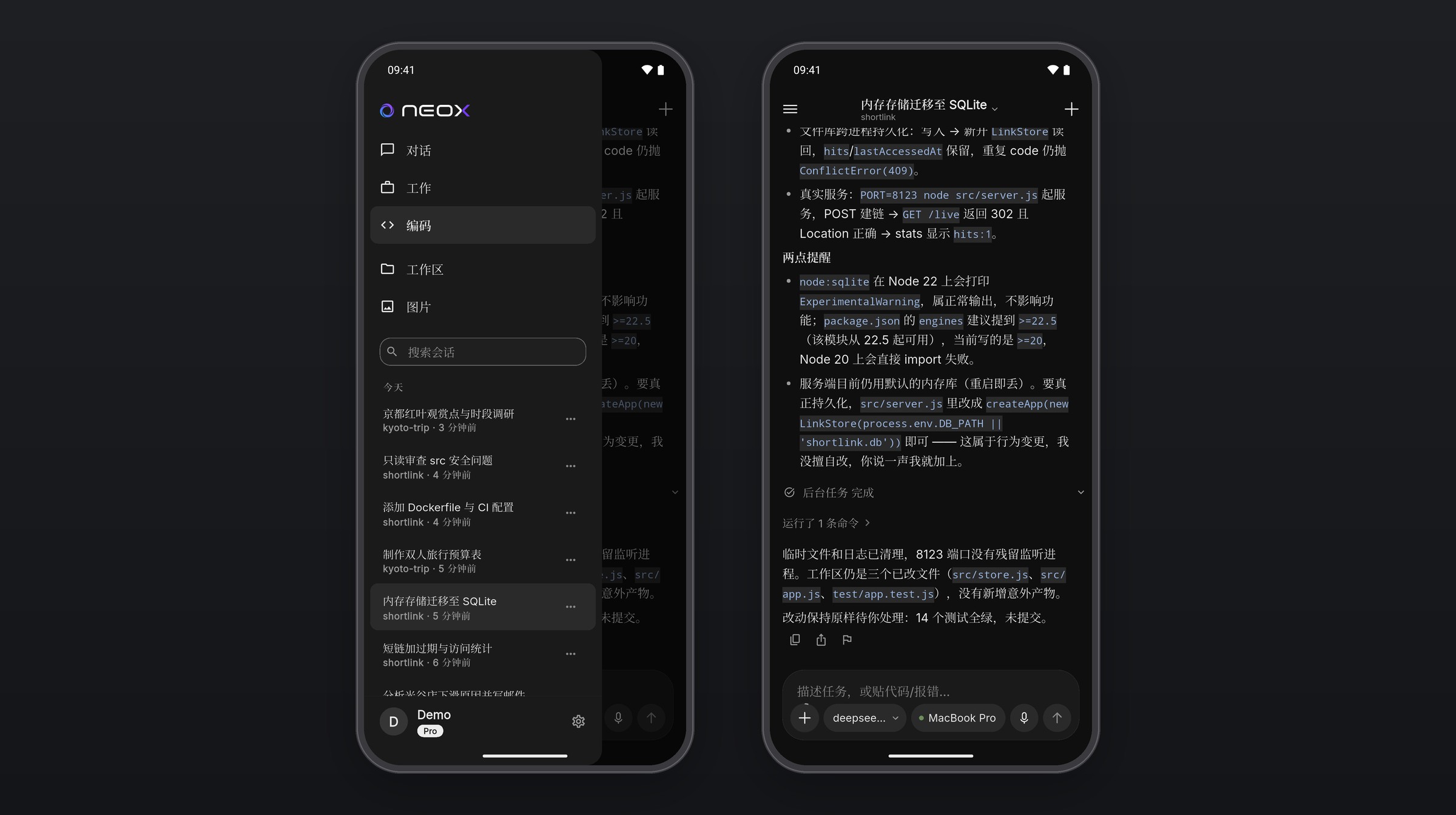
Pick up on your phone
Sign in and it connects to your computer. Keep chatting, approve remotely.
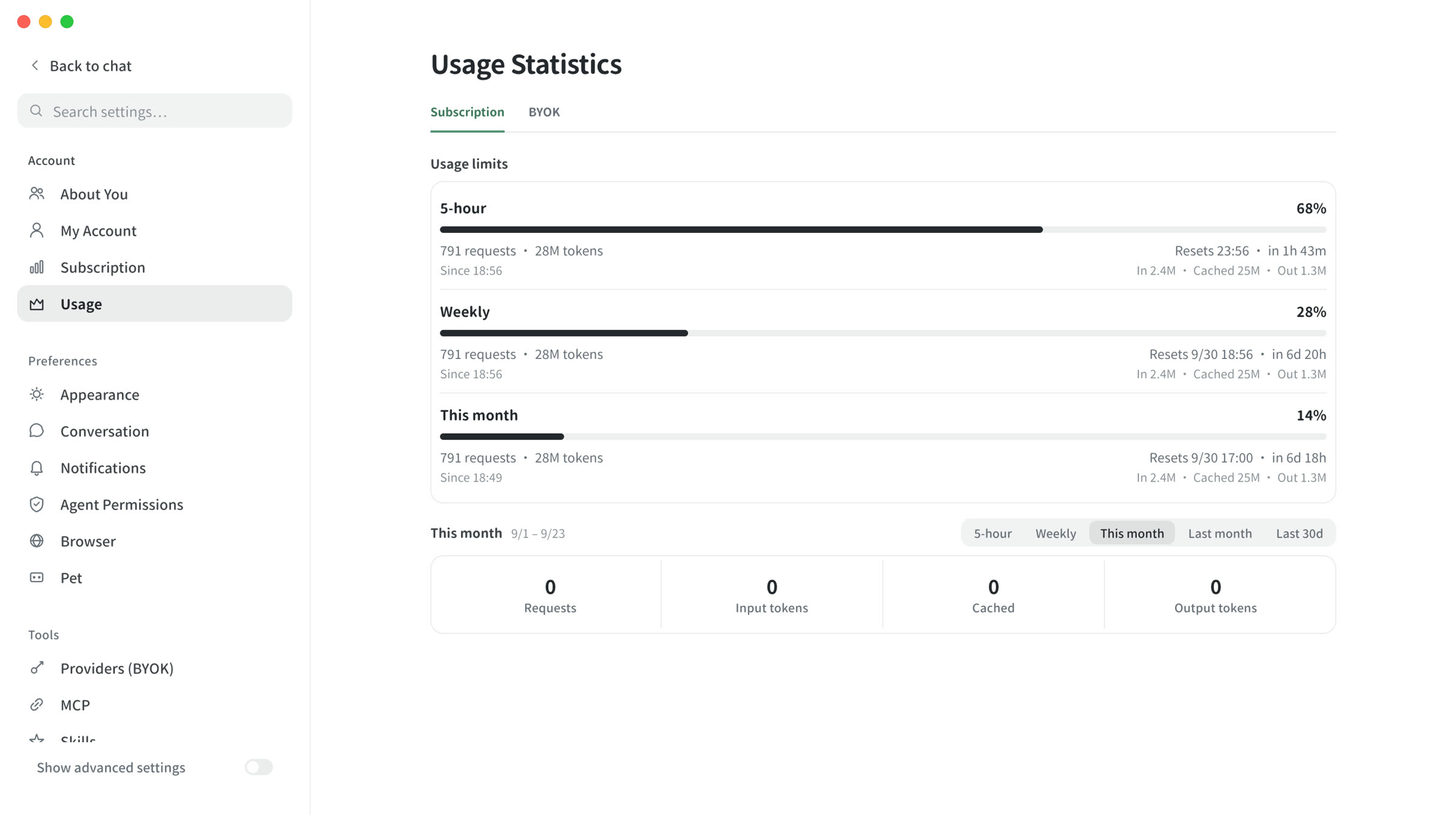
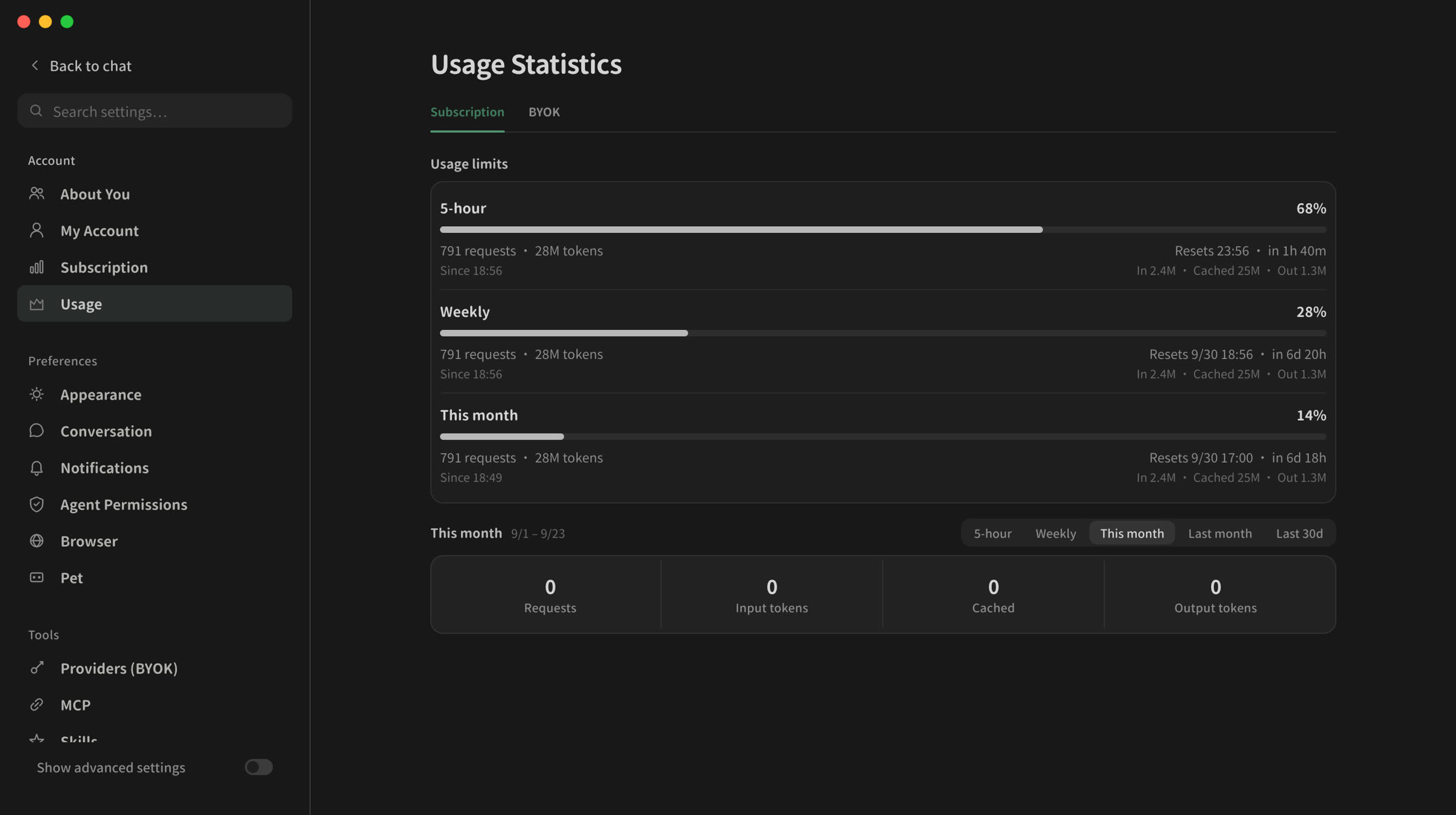
Allowance usage at a glance
See how much of your 5-hour, weekly and monthly allowance is used, and when each resets.
Parallel sub-agents
Tasks split into parallel branches and merge back into the session.
Native Office output
Writes xlsx, pptx and docx directly.
Also supports MCP, knowledge bases and Skills.
All capabilities →Desktop, CLI and Android
All three share one agent core.


Why Neox
Supported models
The client ships with connection presets for these providers; add your API key to use them. OpenAI-compatible self-hosted gateways also work.
View all integrations → OpenAI
 Claude
 GLM
GLM Gemini
 Kimi
Kimi DeepSeek
 Qwen
Qwen Doubao
 MiniMax
 xAI
xAIArchitecture
Desktop kernel, agent runtime, model gateway, control plane, data layer.
How a task runs
FAQ
Does my code pass through Neox servers?
On a subscription, model requests are relayed through the Neox gateway, so their context passes through our servers. With your own API key (BYOK), requests go directly to the provider. Commands and file operations run locally. You can switch modes at any time.
Which models are supported?
Models included in a subscription are listed per plan on the pricing page. With your own API key, the client ships with presets for OpenAI, Anthropic, Google Gemini, Zhipu GLM, Kimi, DeepSeek, Qwen, Doubao, MiniMax and xAI, and can connect to any OpenAI-compatible self-hosted gateway.
How does it differ from an editor AI plugin?
The Neox desktop app is a standalone application with built-in files, code, terminal and Git panels; the agent plans and executes, and its output includes code and Office files. If you prefer working in your editor, the Neox VS Code and JetBrains extensions bring the same agent to the side panel.
How is the allowance calculated?
Three limits: 5 hours, 7 days and the calendar month. Reaching any of them pauses usage until it resets (the 5-hour and 7-day windows roll; the monthly limit resets on the 1st at 00:00 UTC). Consumption per call depends on model and context length. When you run out, turn on extra usage to continue from your platform balance, or switch to your own API key (BYOK).
Is Neox open source?
The CLI (a terminal AI coding agent), the agent runtime and the Agent SDK are open source as OpenNeox (Apache-2.0, github.com/neoxlabs/OpenNeox) and run locally with your own model key.
Can changes be undone?
Yes. On desktop, each turn lists the files it changed, and you can revert or restore each one. In the CLI, /rollback returns to before any turn (requires git on your machine). Execution is visible in real time, so you can stop it at any point.