

Neox · Agent IDE
Plan, run and review in one window
Editor, terminal, files and Git in one window.
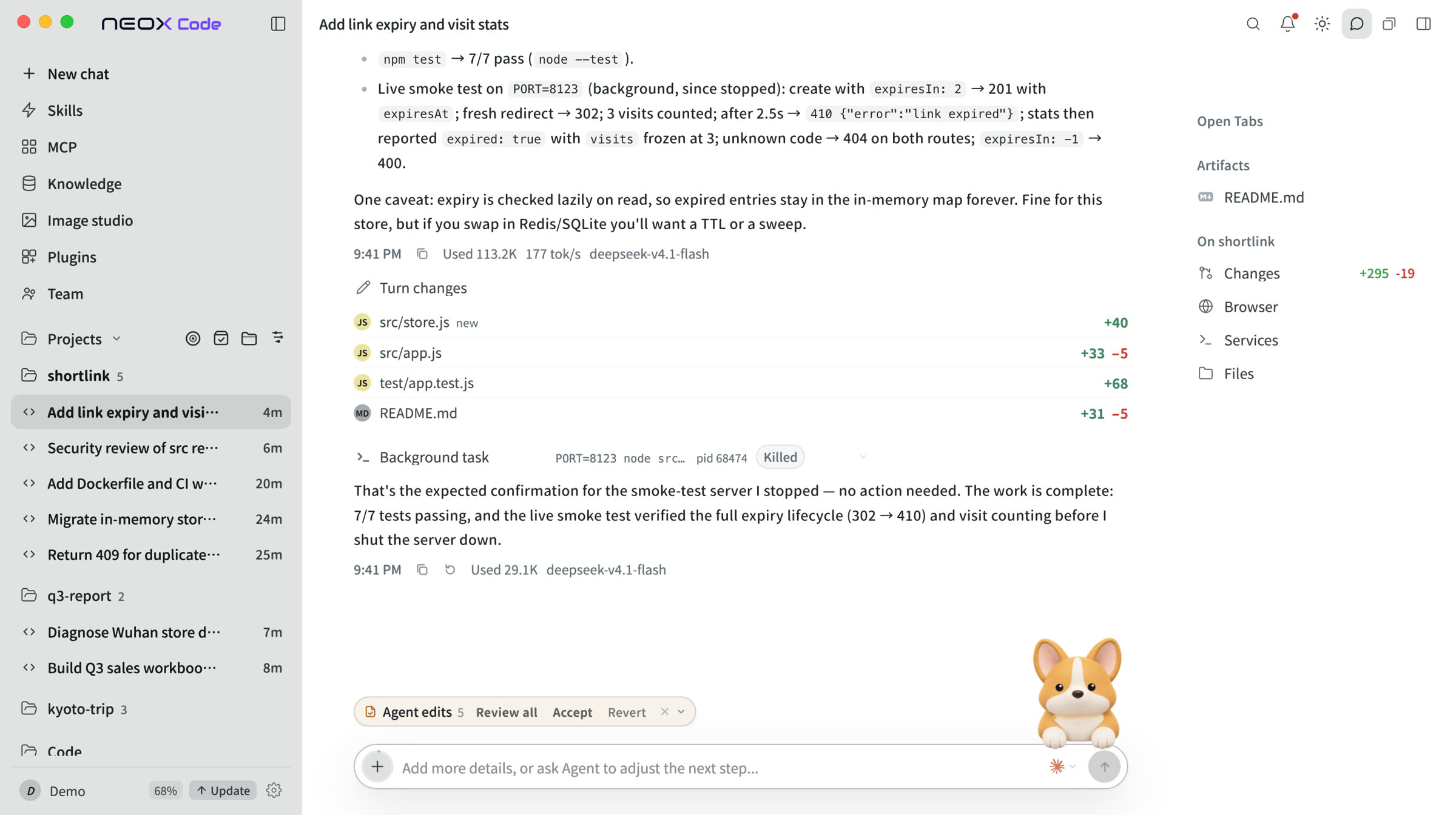
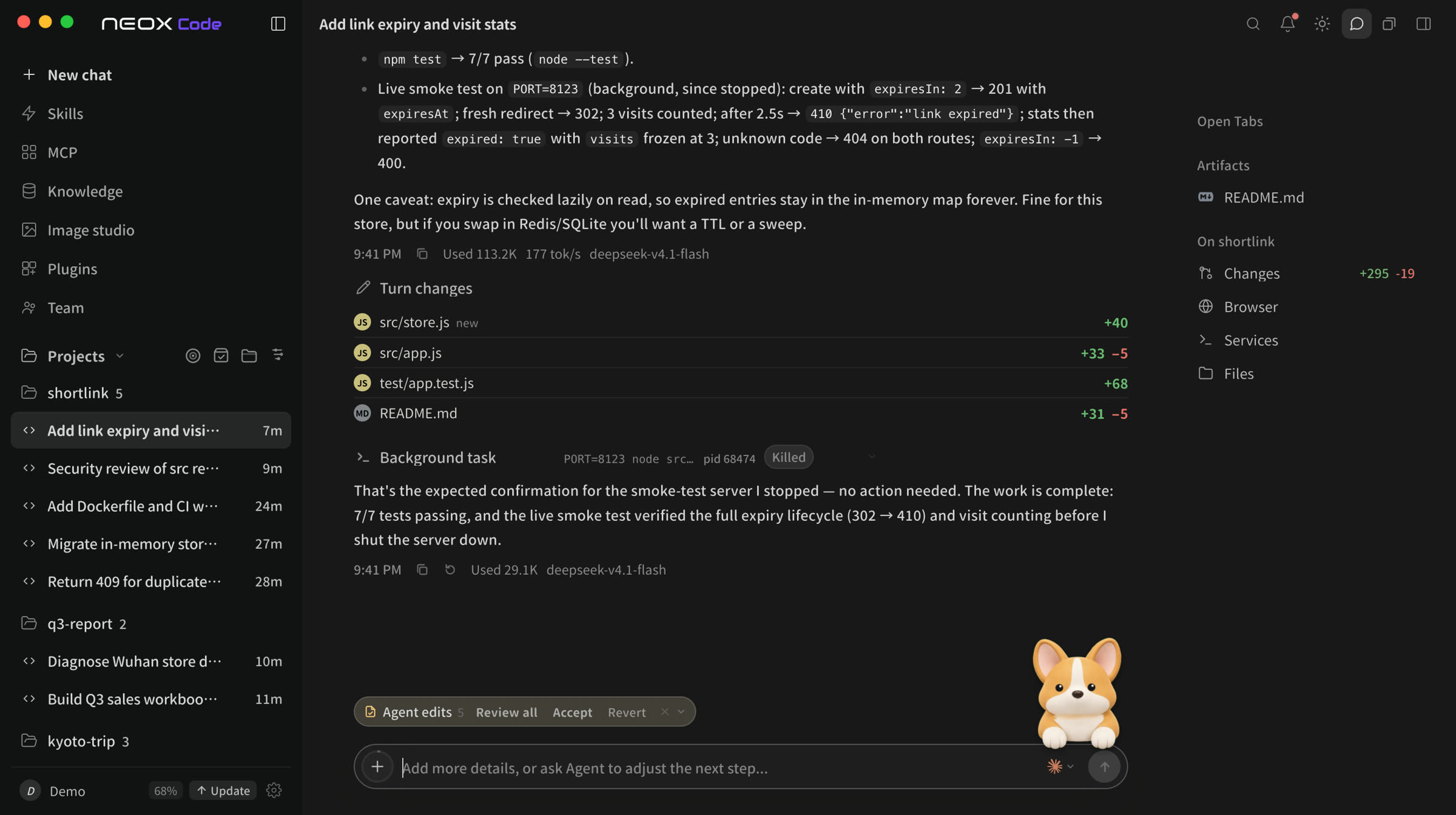
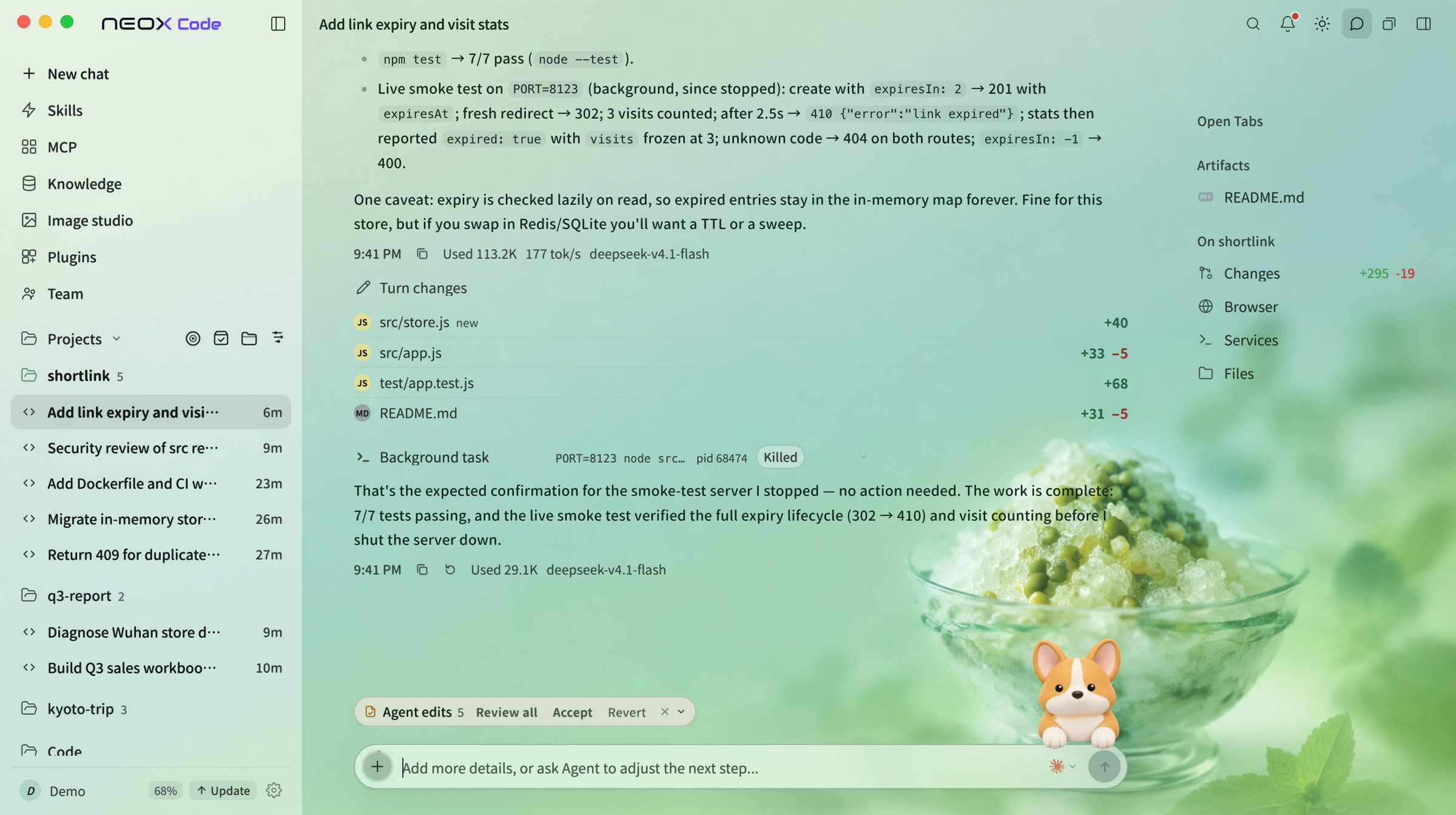
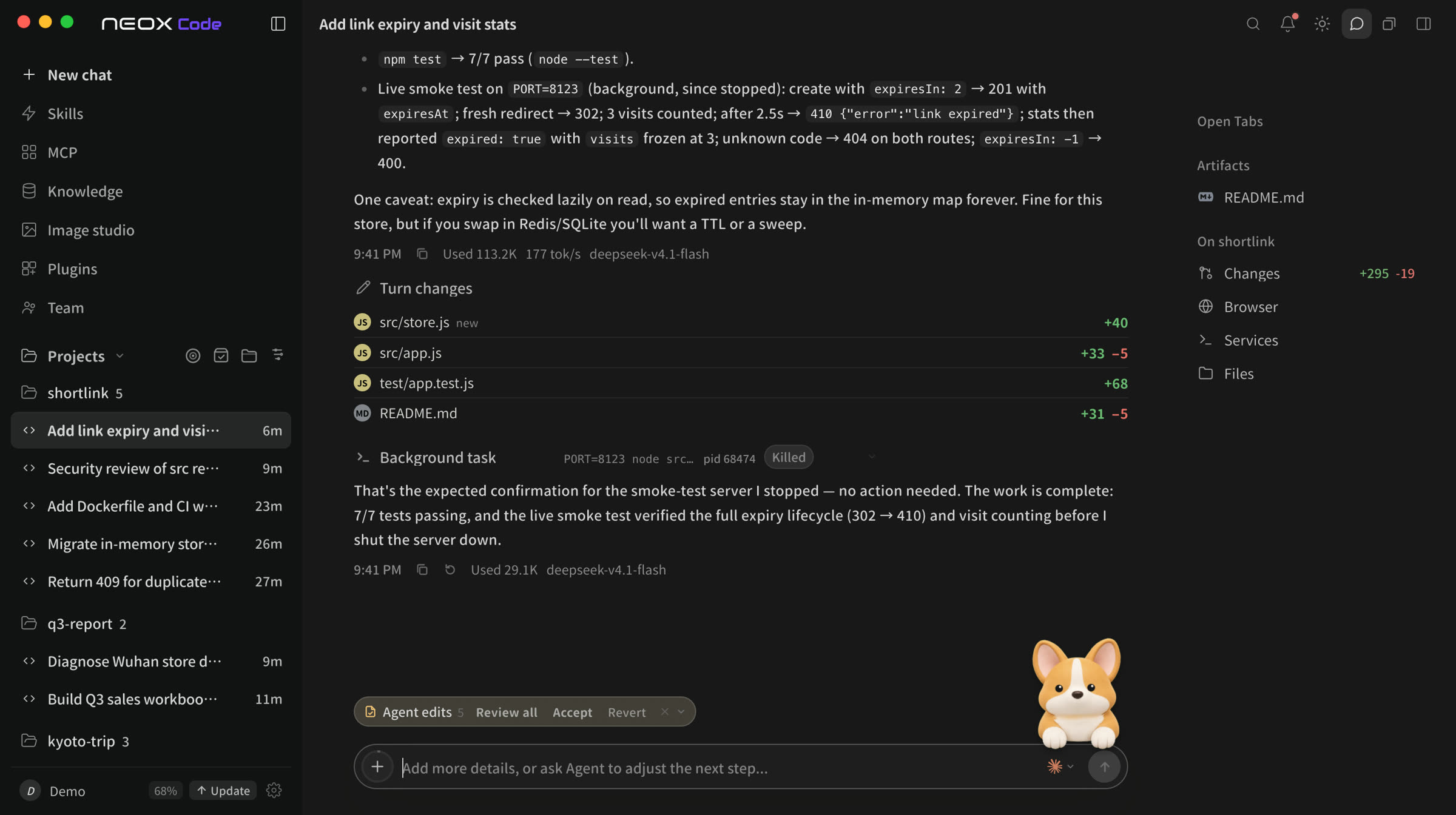
Editor view
AI and code in the same workspace.
Edits go straight into your project files; the side panel lets you view and edit code and compare changes at any time.
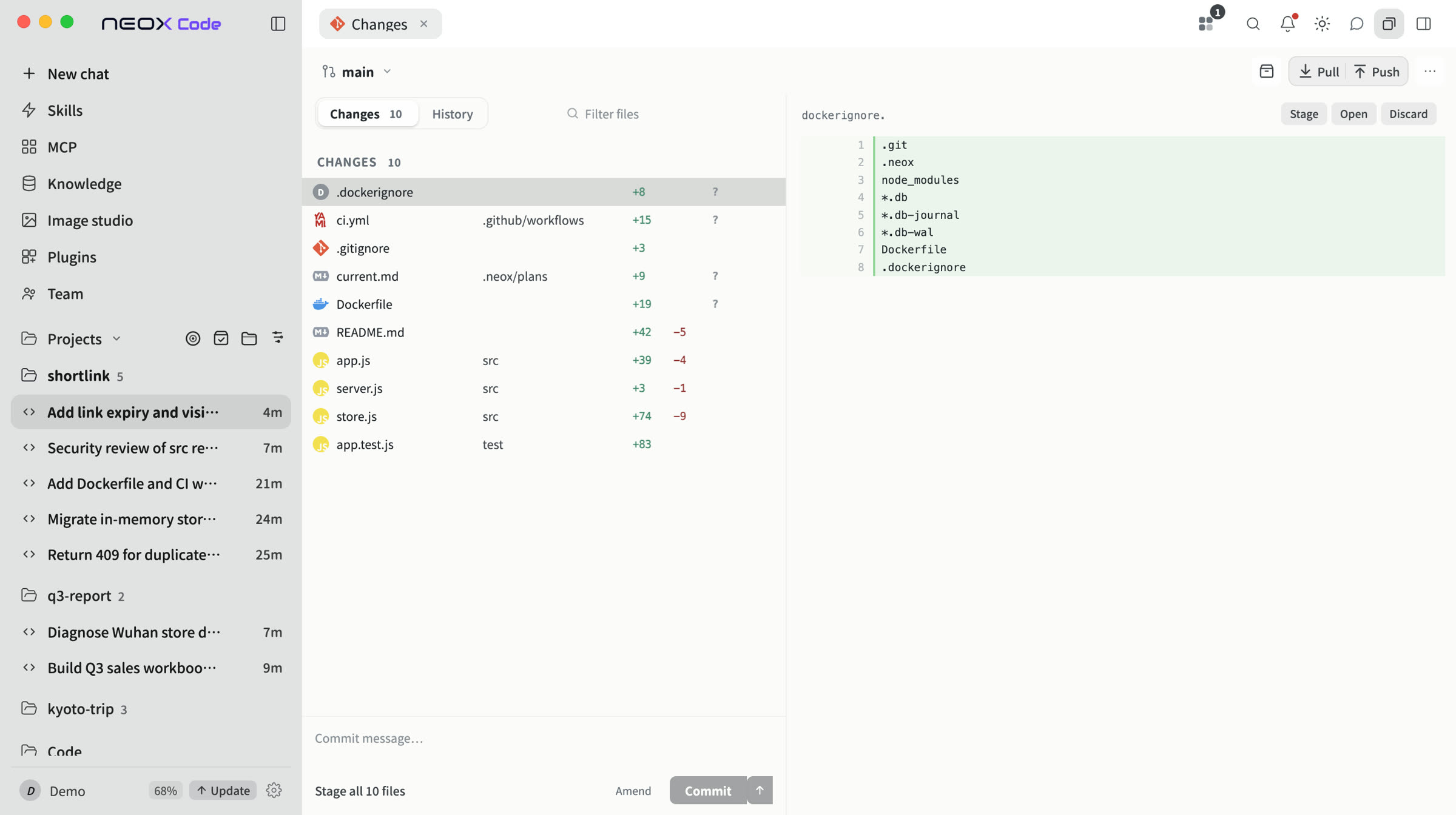
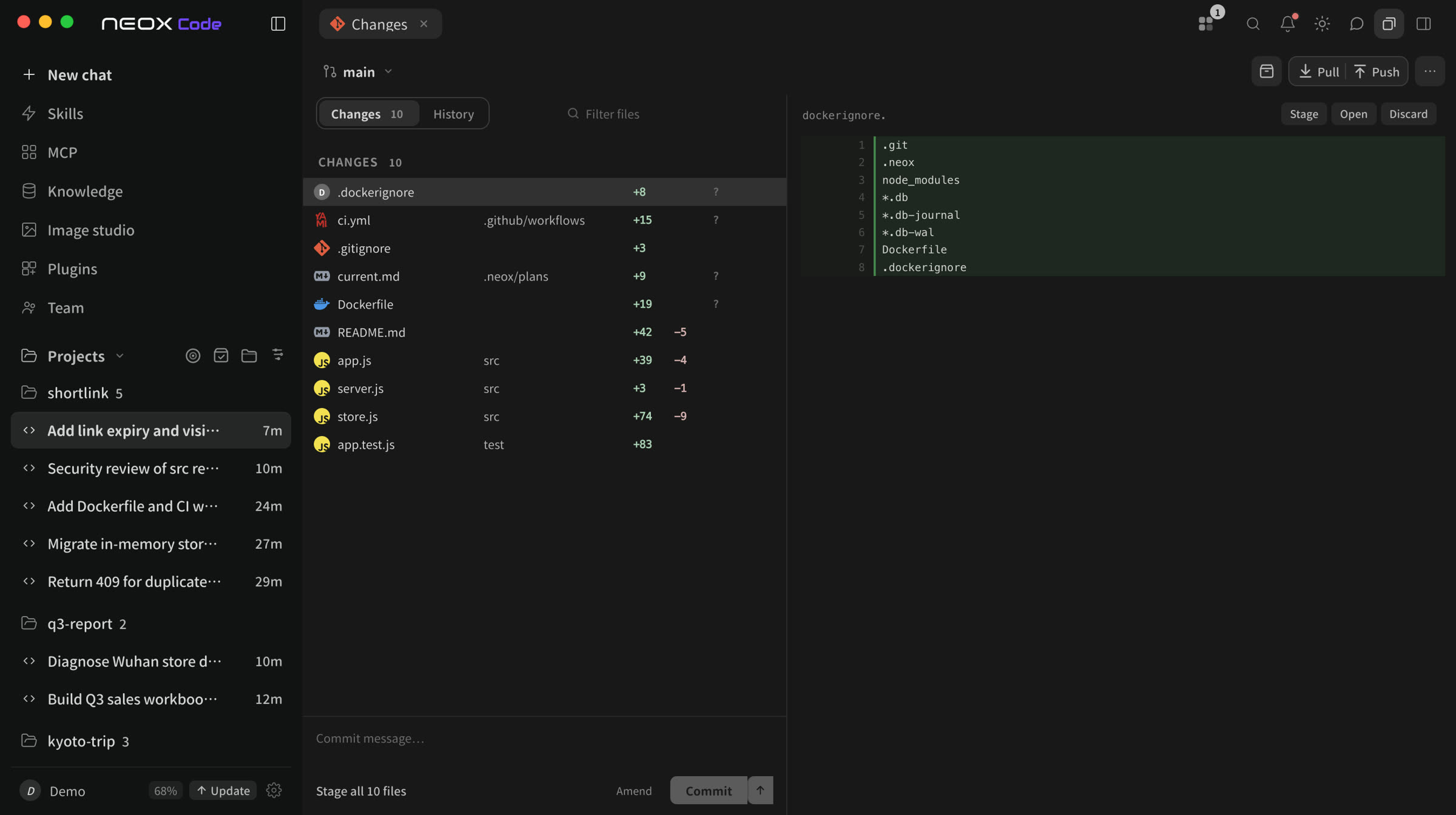
Workspace
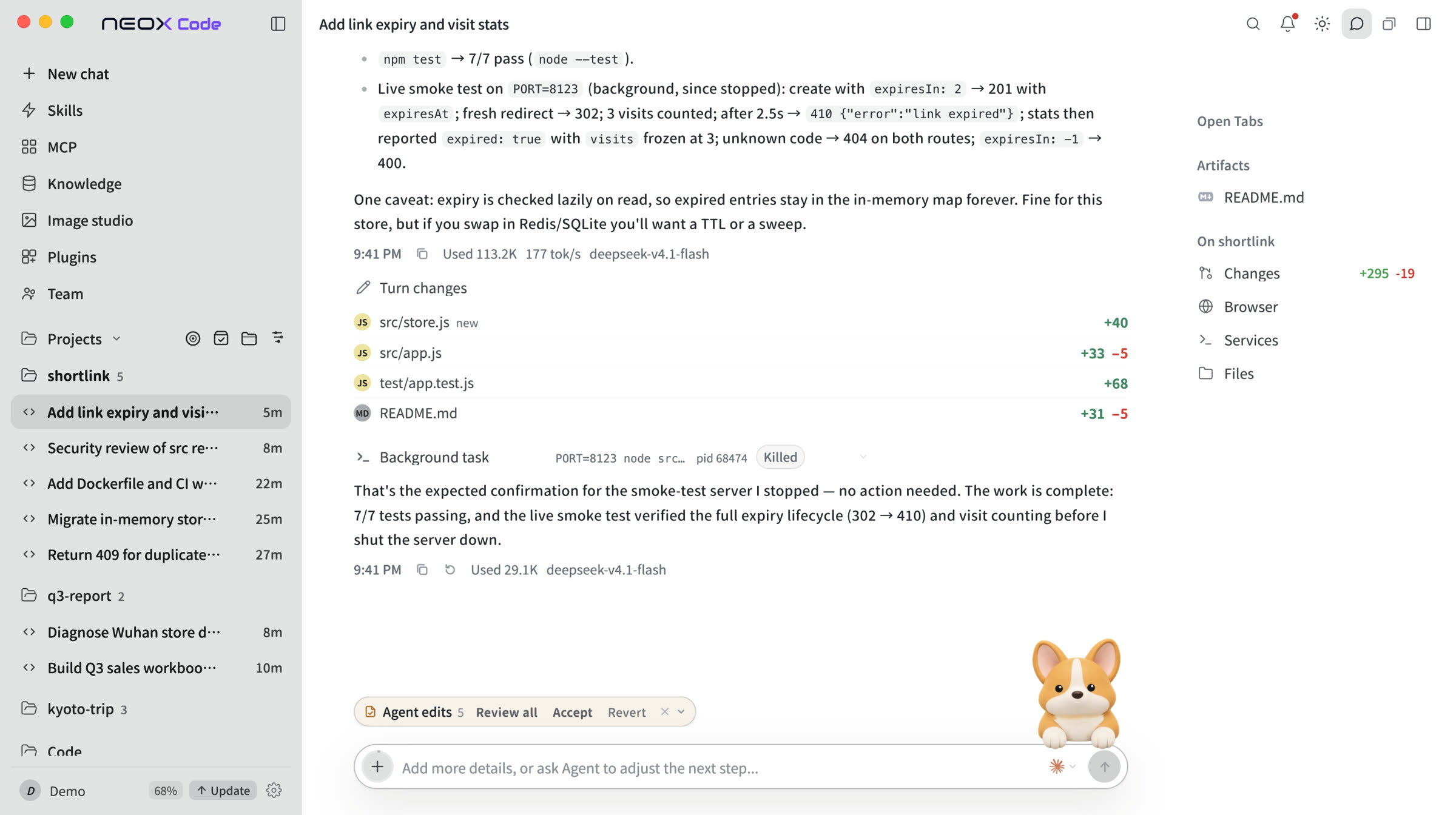
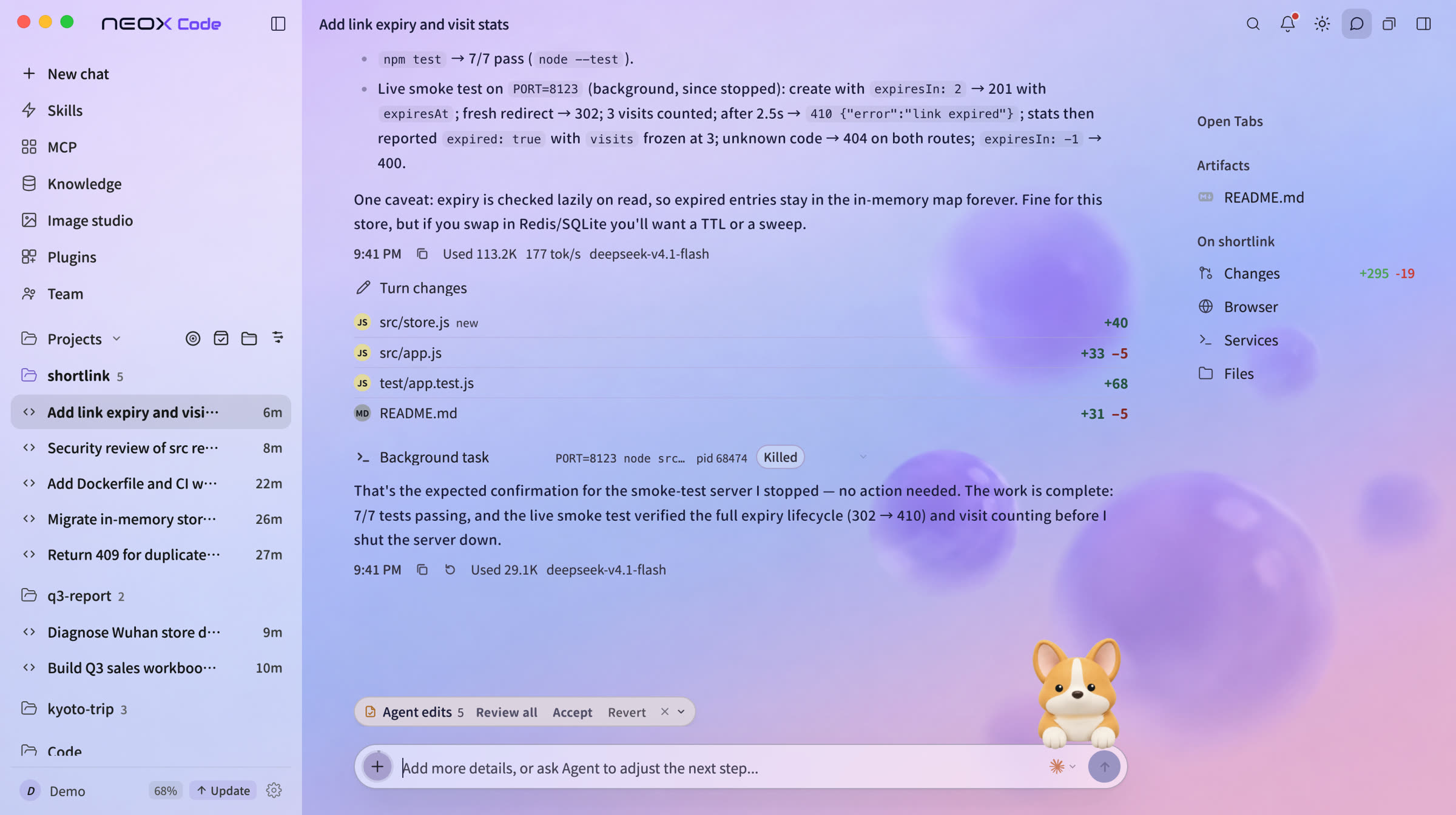
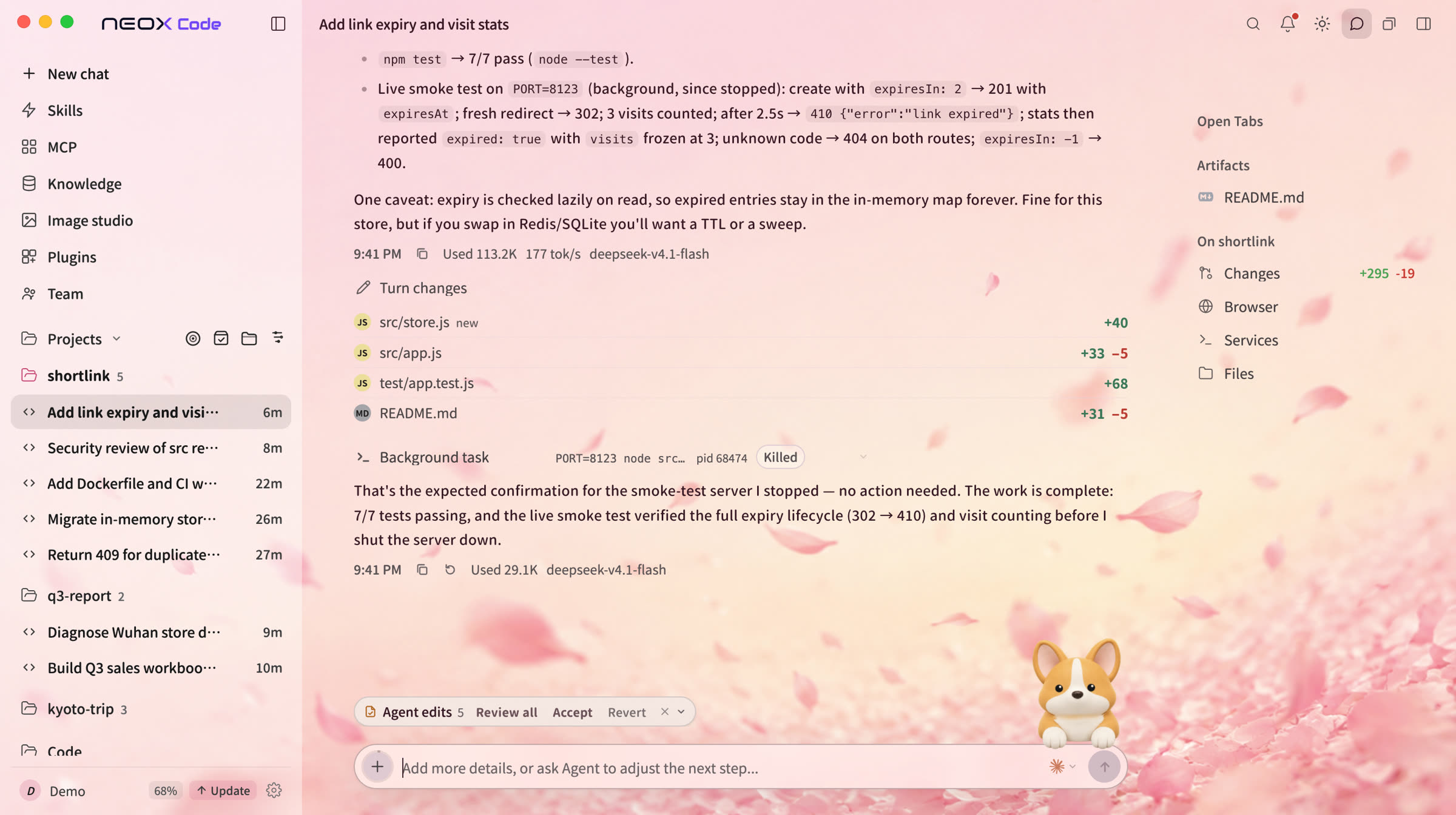
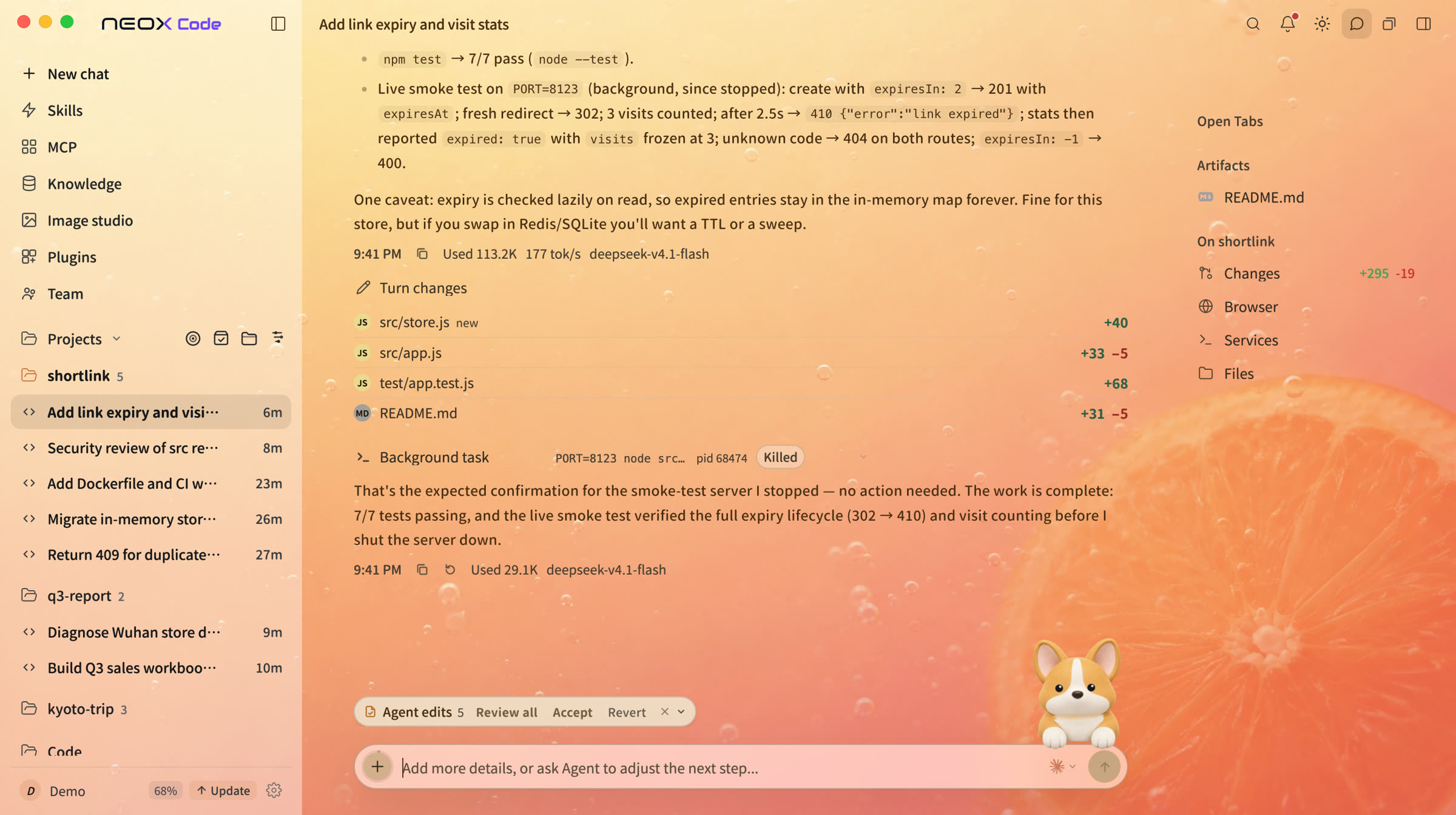
Themes.
Twenty built-in themes across five collections.
Core capabilities
Connect your tools and data.
MCPConnect existing tools and services for the agent to call directly.
Knowledge baseImported documents are retrieved automatically.
SkillsTurn recurring procedures into reusable instructions.
BYOKUse your own API keys. Requests go directly to the model provider.
Full visibility
Every run, visible.
The active model, per-request usage, and remaining context are displayed in real time.
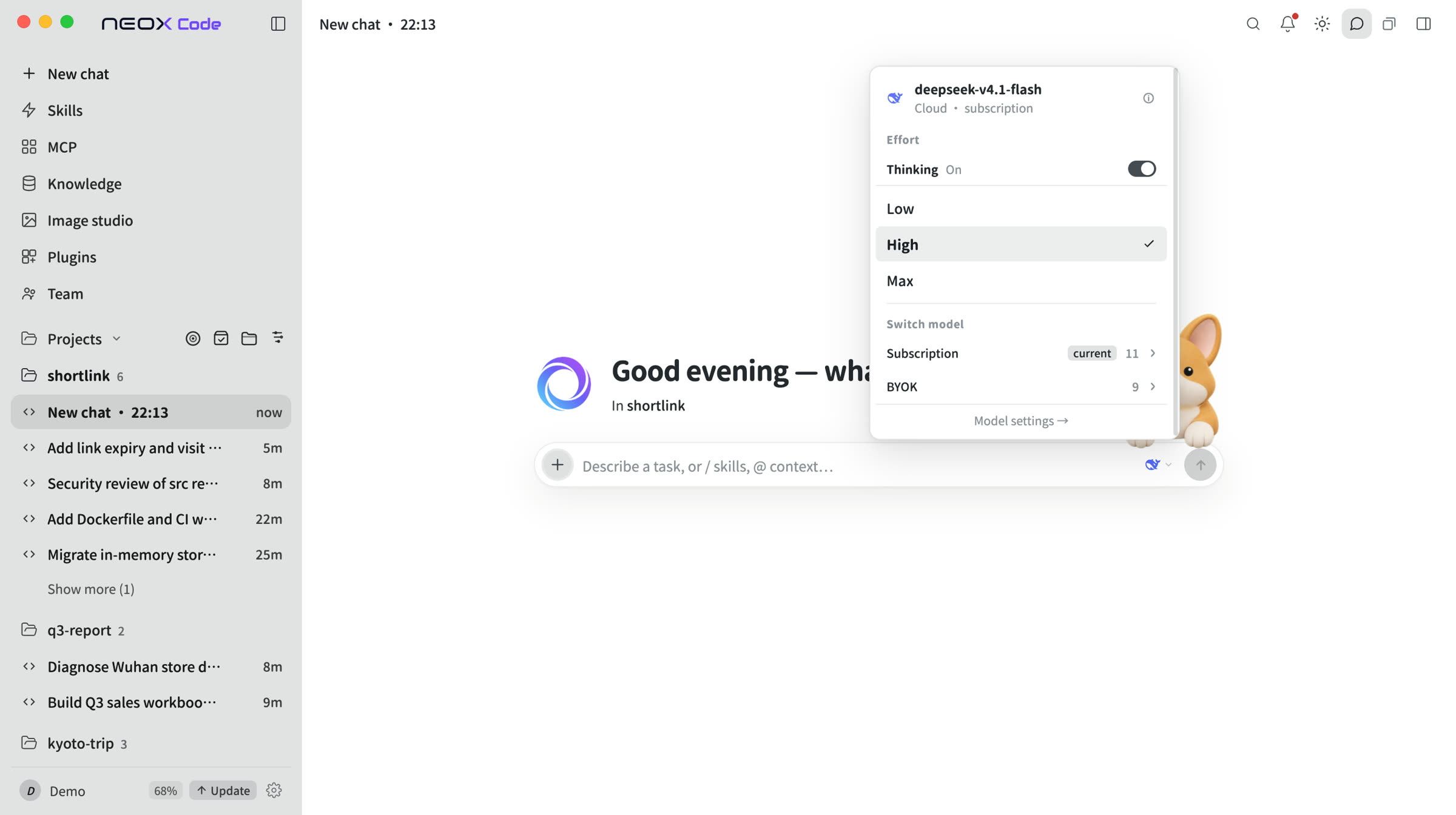
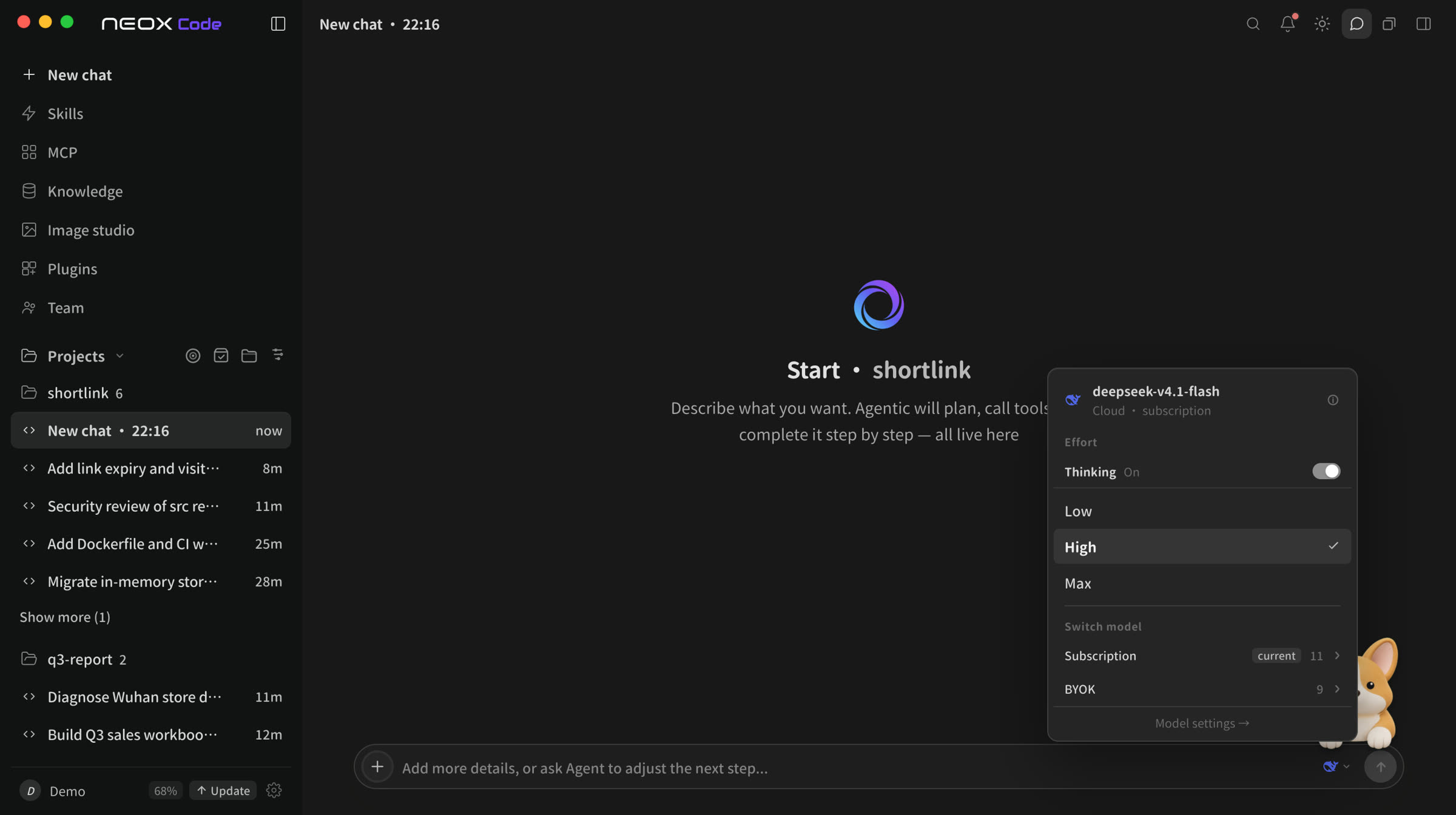
Model selection per task
Match each task to the right model and reasoning effort. Switch at any time.
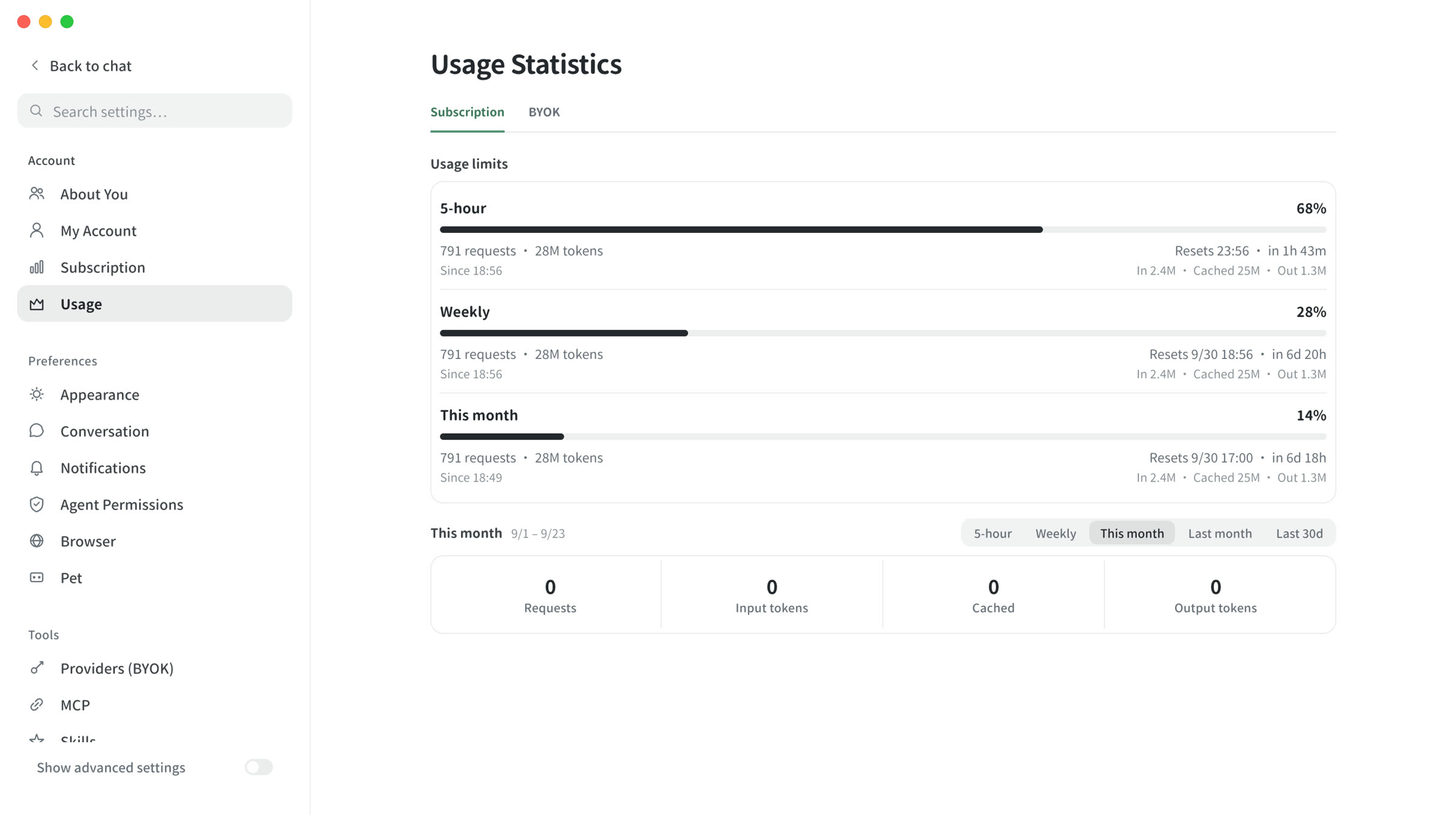
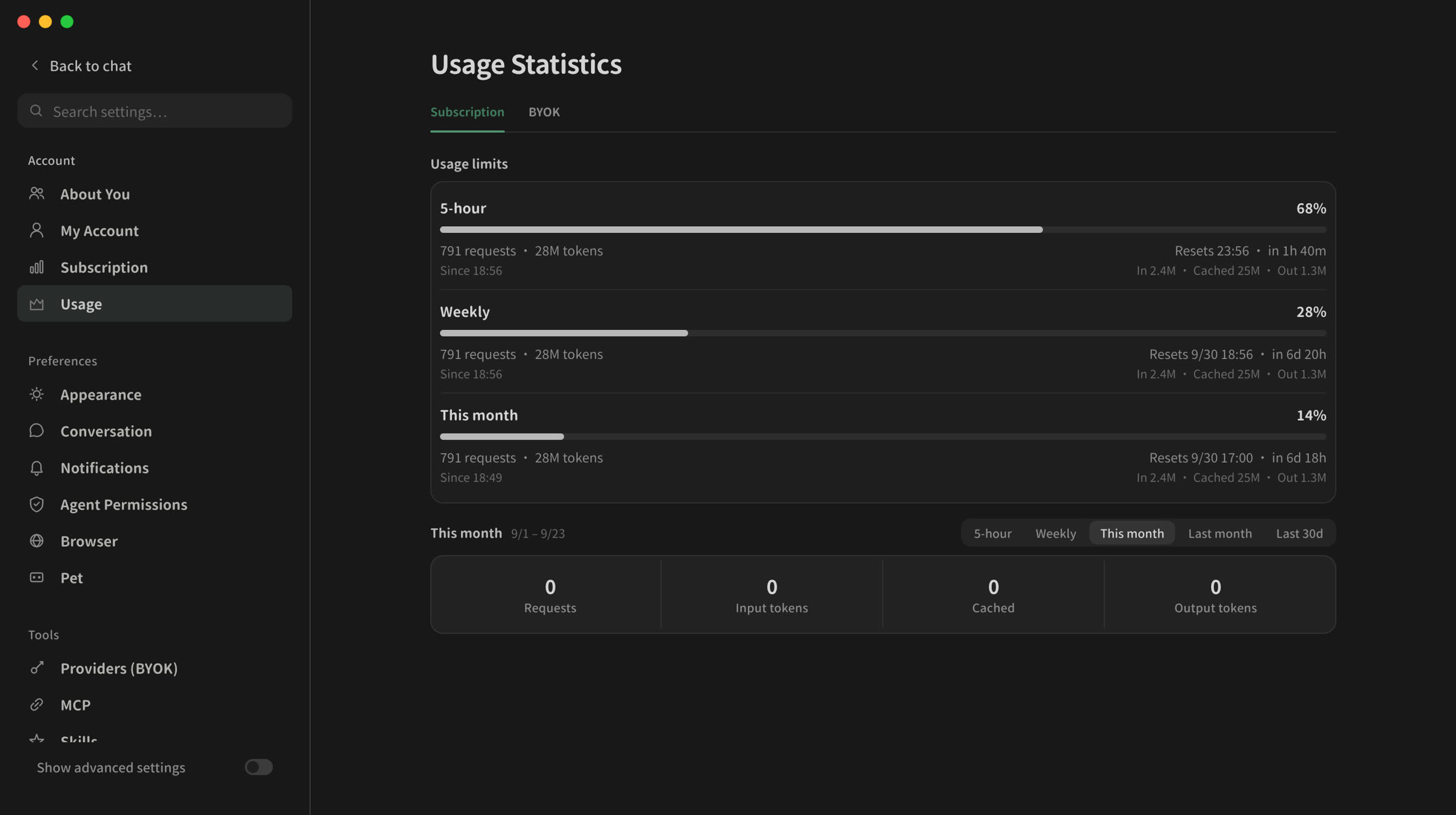
Per-request usage reporting
Allowance share recorded per request.
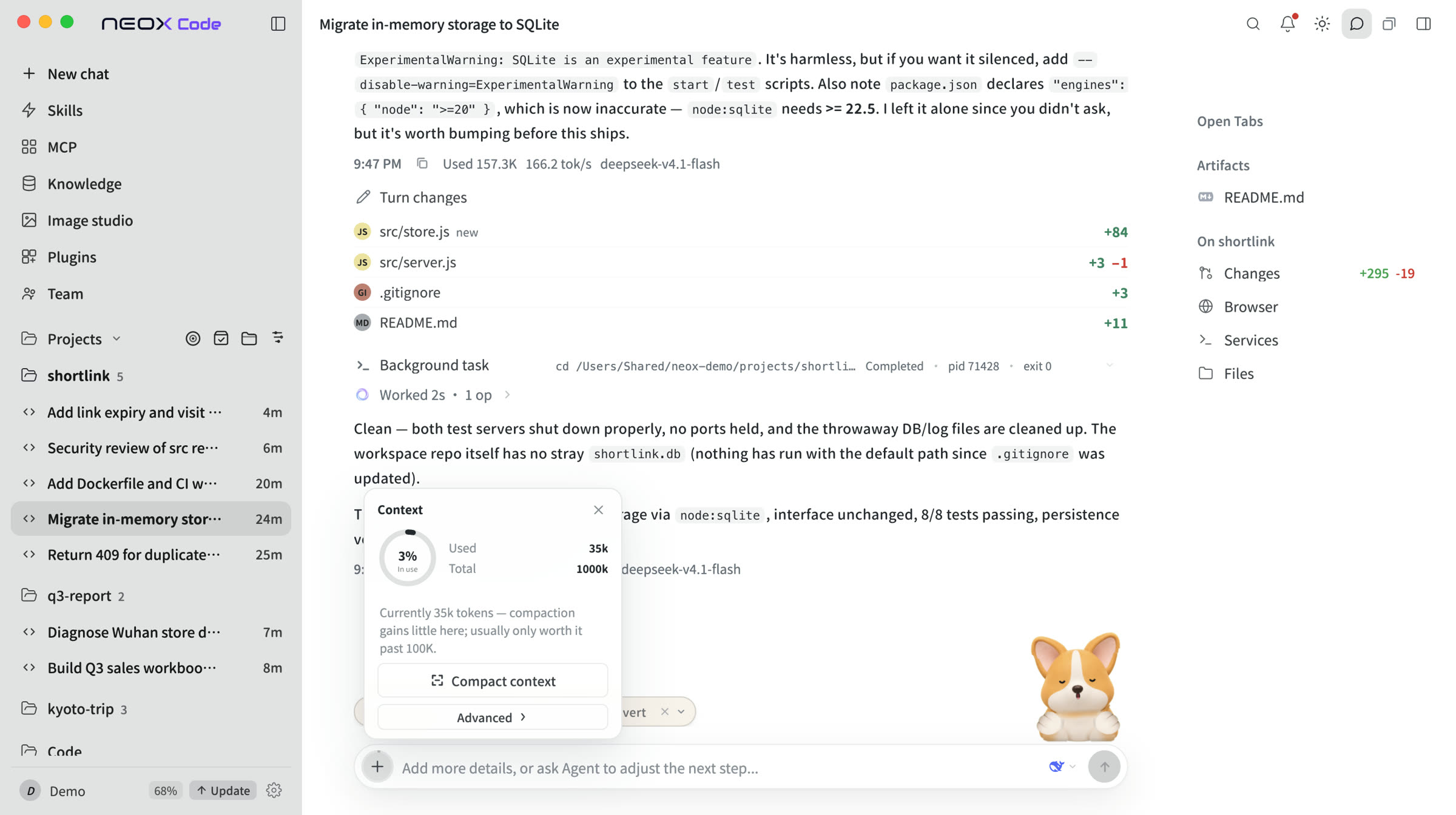
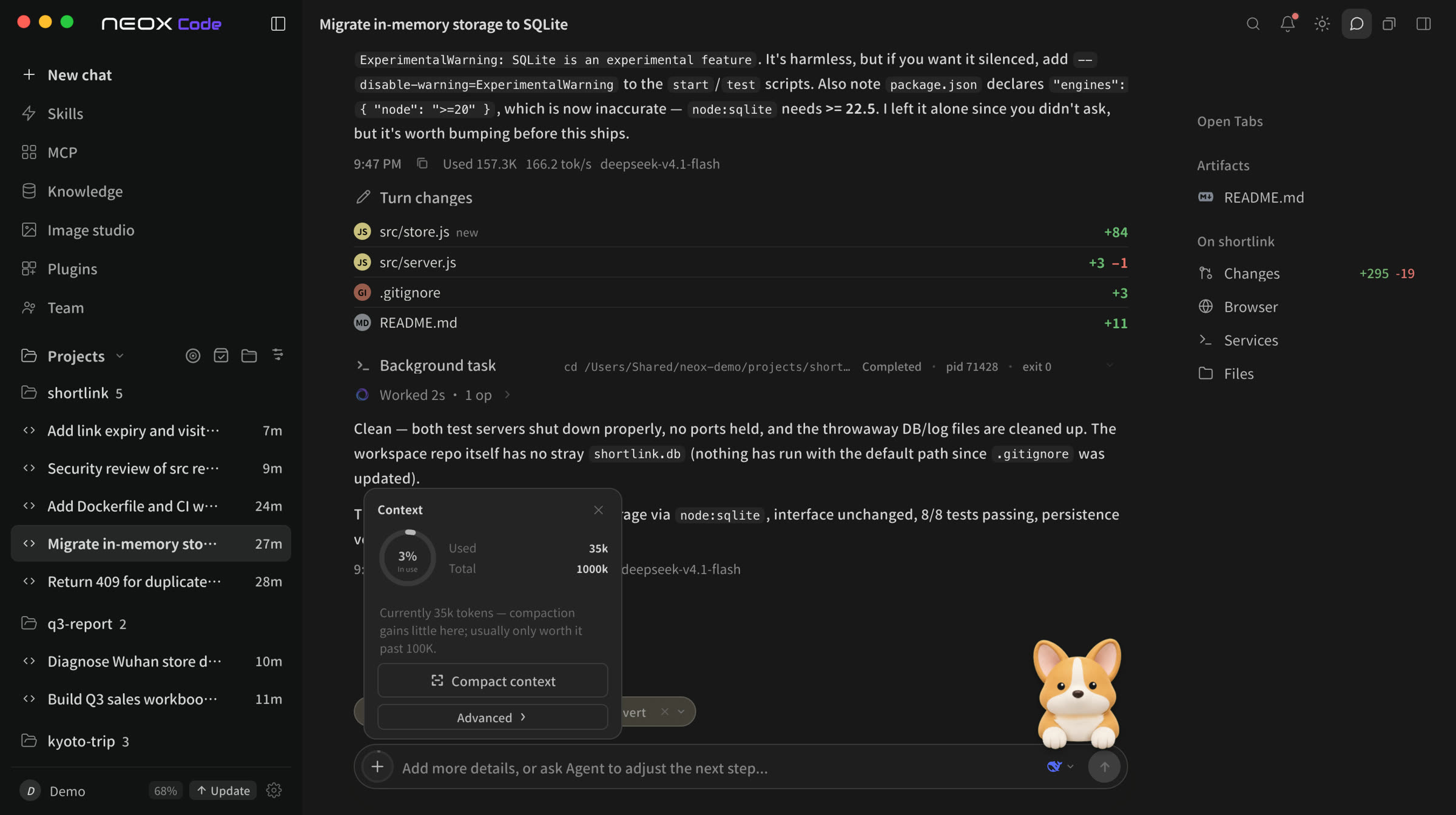
Context compaction
Compacts context near the limit and continues.
Model ecosystem
No provider lock-in.
Connect API keys from major providers.
 OpenAI
 Claude
 GLM
GLM Gemini
 Kimi
Kimi DeepSeek
 Qwen
Qwen Doubao
 MiniMax
 xAI
xAIWorkflow
How a task runs.
01
Plan
Multi-step tasks get a plan first; ask for a plan only if you like.
02
Execute
Progress is shown in real time.
03
Review
Review changes and revert any file.
Download the Neox desktop client.
Available for macOS and Windows. On Linux, use the CLI.